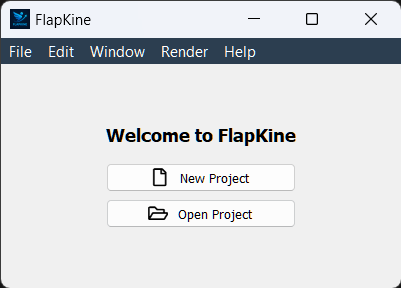
Main Window# Overview# The Main Window is the entry point to the Flapkine application. It allows you to either start a new project or load an existing one. Buttons# New Project Launches the Project Creator interface where you can import or create a scene and configure render settings. Open Project Opens an existing project directory from your filesystem and loads its saved STL model, render settings, and animation (if available). Navigation# Once a project is selected or created, the interface redirects you to the Project Editor Window. If create project option is selected the interface redirects you to the Project Creator Window.